Working from home has become a common part of many people’s routines. Creating an effective home workspace is key to staying focused, comfortable, and productive throughout the day. Whether you have a dedicated room or just a corner in your living space, thoughtful planning and simple adjustments can make a big difference. This guide offers practical tips to help you set up a home workspace that supports your remote work needs.
Choose the Right Location
The foundation of an effective home workspace is its location. Ideally, pick a spot that is:
– Quiet and free from distractions: Try to find a space away from noisy areas like the kitchen or living room.
– Well-lit: Natural light is best, so near a window if possible. If not, invest in good quality lighting.
– Comfortable in terms of temperature and ventilation: Being too hot or cold can reduce focus.
If a separate room isn’t available, carve out a dedicated corner in a quiet part of your home. Consistently using the same spot helps create a work mindset.
Invest in Ergonomic Furniture
Comfort and posture matter when spending hours at a desk. Consider:
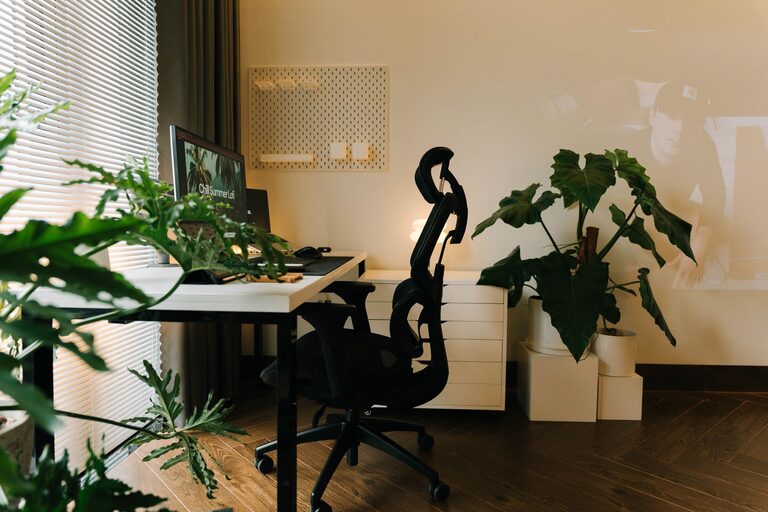
– A supportive chair: Look for one with adjustable height and good lumbar support.
– A desk at the right height: Your desk should allow your elbows to bend around 90 degrees when typing.
– Footrest or adjustable desk: So your feet rest flat on the floor; standing desks or converters can add flexibility.
Avoid working from the couch or bed regularly, as they can cause strain and reduce productivity.
Organize Your Workspace for Efficiency
A clutter-free space helps maintain focus and reduces stress. Some organization tips:
– Use storage solutions: Shelves, drawers, or bins keep papers and supplies tidy.
– Keep essentials nearby: Items you use daily like notebooks, pens, and chargers should be within arm’s reach.
– Manage cables: Use clips or sleeves to keep cords neat.
– Have a designated spot for devices: Charging stations or a specific place for your laptop and phone makes it easier to start the day.
Spend a few minutes each day tidying your workspace to keep it inviting.
Minimize Distractions
Setting boundaries is important for productivity. Try these ideas:
– Set “do not disturb” hours: Communicate your work times to family or housemates.
– Silence unnecessary notifications: Use focus modes on your devices to limit interruptions.
– Use noise-cancelling headphones: They help block background noise and enhance concentration.
– Limit personal items: Keep your workspace focused on work-related items to avoid sidetracks.
Creating physical and mental boundaries helps your mind stay in work mode.
Optimize Technology Setup
A smooth technical setup is vital for remote work:
– Reliable internet access: Position your router for strong signal strength or consider a wired connection.
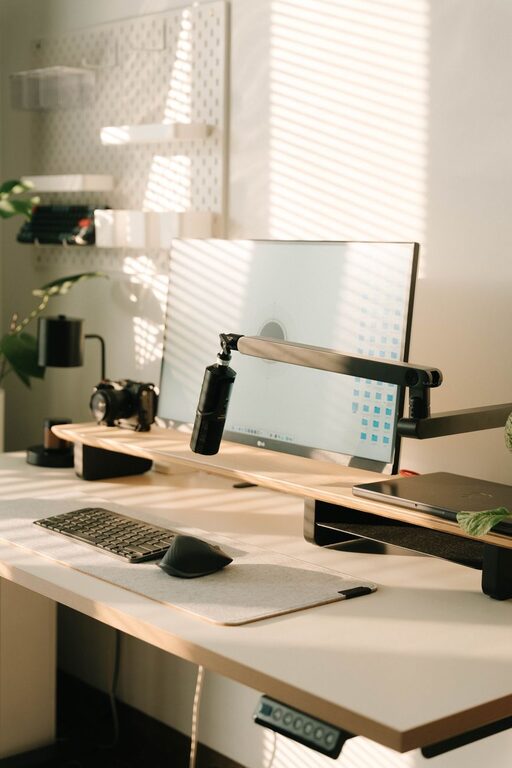
– Quality equipment: Use a good webcam, microphone, and headphones for video calls.
– Proper screen setup: Adjust your monitor height so the top is at or just below eye level.
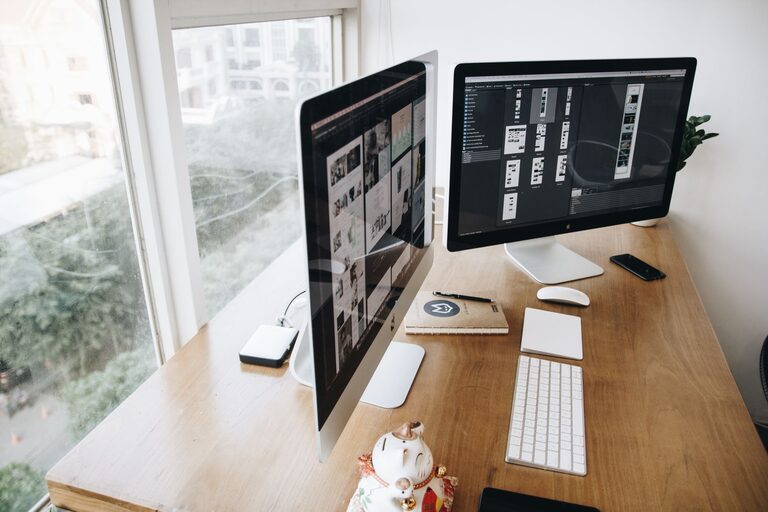
– Multiple screens (if applicable): Extra screens can boost efficiency for multitasking.
Regularly update your software and keep backup solutions in place to avoid disruptions.
Prioritize Lighting and Ambiance
Good lighting reduces eye strain and boosts mood:
– Use natural light: Position your desk perpendicular to windows to avoid glare.
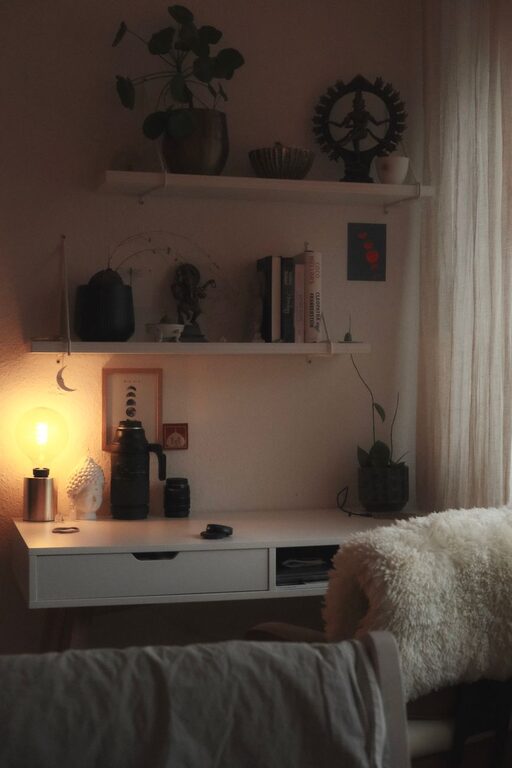
– Add task lighting: Desk lamps with adjustable brightness help during darker hours.
– Consider color temperature: Cooler lights mimic daylight and can increase alertness, while warmer lights are more relaxing.
Personal touches like plants, artwork, or inspiring quotes can create a welcoming atmosphere that motivates you.
Establish a Routine and Take Breaks
Even with a great setup, habits matter:
– Start and end your day consistently: A set schedule helps separate work from personal time.
– Take short breaks: Stand, stretch, or walk around every hour to stay refreshed.
– Practice eye care: Follow the 20-20-20 rule—every 20 minutes, look at something 20 feet away for 20 seconds.
– Designate a “shutdown” ritual: Closing your laptop and tidying up signals the end of work.
A routine supports productivity while preventing burnout.
Personalize Your Workspace
Finally, make your workspace pleasant and inspiring:
– Add plants: They improve air quality and bring natural calm.
– Use colors you like: Choose accessories or wall art that energize or soothe you.
– Keep your favorite beverage nearby: A water bottle or coffee mug can make working longer more enjoyable.
Personal touches encourage you to spend time in your workspace and maintain motivation.
—
Setting up an effective home workspace doesn’t need to be complicated or expensive. By choosing the right location, investing in comfort and organization, minimizing distractions, and establishing a routine, you can create a space that helps you work efficiently and feel good throughout the day. Take the time to adjust your setup as your needs change — a well-designed home office is an investment in your productivity and well-being.
About the Author