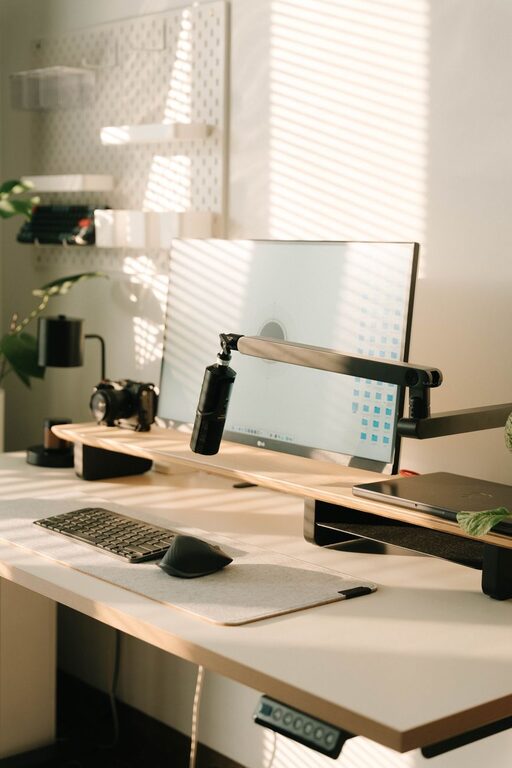
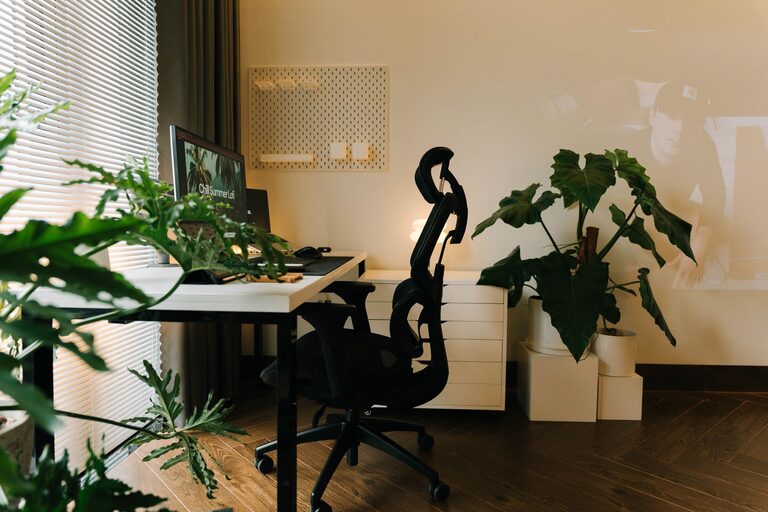
Creating a cozy and productive home office environment is essential as more people embrace remote work or spend more time working from home. Your workspace can greatly influence how efficiently you work, how comfortable you feel, and even your overall mood throughout the day. This guide offers practical tips to help you design a home office that meets both your comfort and productivity needs.
Choose the Right Location
Consider Natural Light
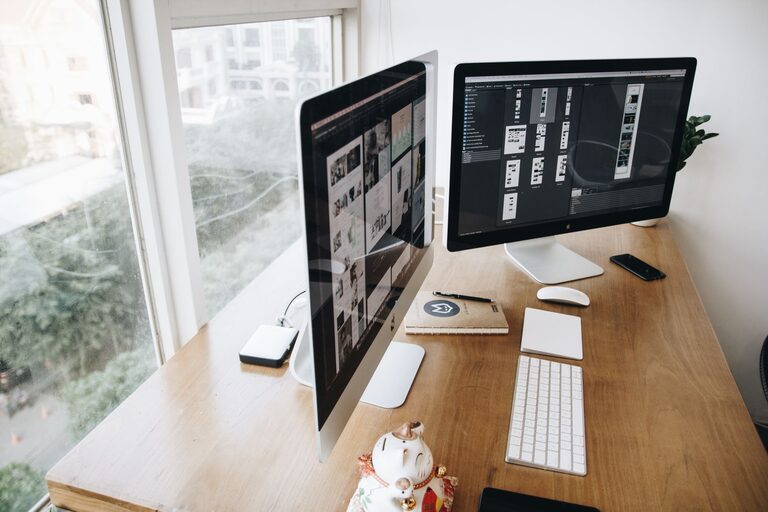
Natural light has been shown to improve mood and energy levels. When choosing your home office space, pick a spot near a window if possible. This helps reduce eye strain caused by artificial lighting and keeps the room feeling airy and open.
Find a Quiet Spot
Look for a part of your home with minimal distractions and noise. If you don’t have a separate room, consider using noise-canceling headphones or a white noise machine to help focus.
Invest in Comfortable, Functional Furniture
Ergonomic Chair
A supportive, comfortable chair is key to avoiding back pain during long work sessions. Look for chairs with adjustable height, lumbar support, and breathable fabric.
Desk Options
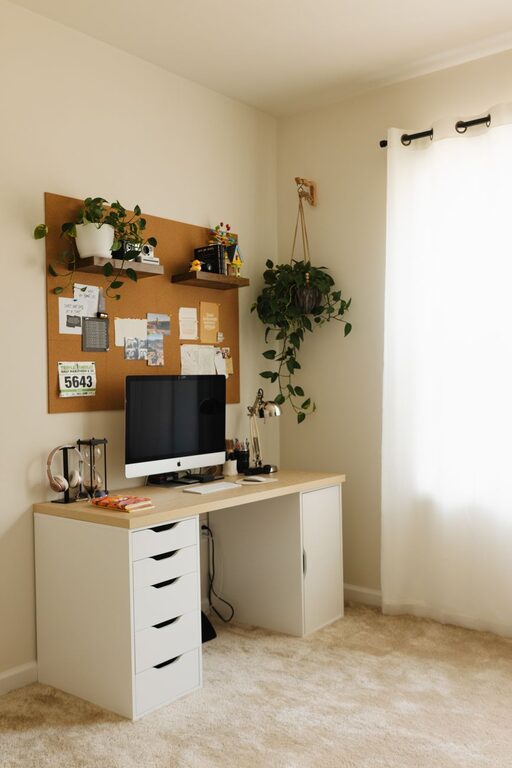
Your desk should offer enough surface area for your computer, notes, and office supplies. Adjustable desks that allow for both sitting and standing positions can help reduce fatigue and boost alertness.
Organize Your Space Efficiently
Declutter Regularly
Keeping your desk and office space free of clutter can minimize distractions and help you stay focused. Use organizers, trays, or drawers to keep supplies neatly stored.
Use Shelving and Storage
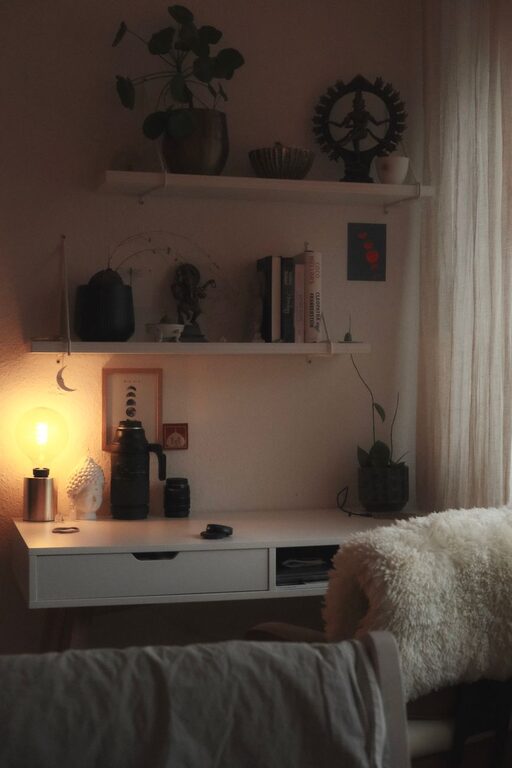
Wall-mounted shelves or compact filing cabinets allow you to store books, paperwork, and tools without crowding your desk area.
Personalize Your Workspace
Add Plants
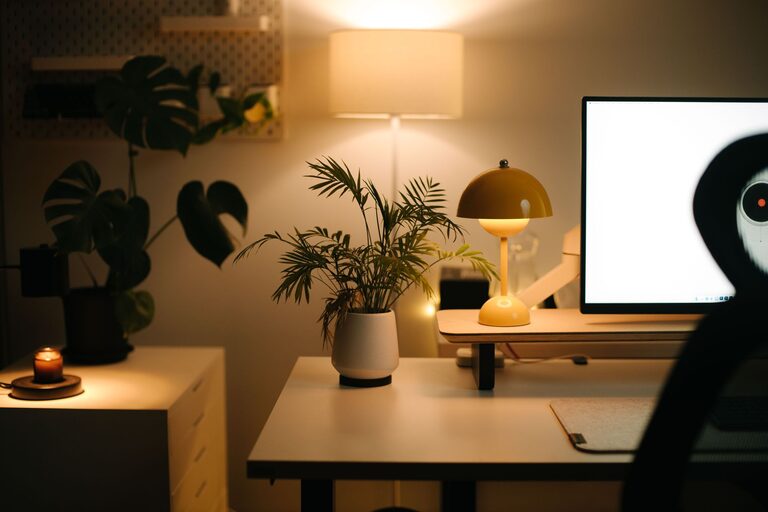
Indoor plants not only brighten up your space but can improve air quality and reduce stress.
Display Inspiring Art or Photos
Decorate your walls with pieces that make you feel motivated or happy, whether it’s artwork, photos, or even a vision board.
Optimize Lighting
Use Layered Lighting
Combine ambient lighting with task lighting like desk lamps to ensure you have sufficient light at all times. Adjustable lamps help you focus light exactly where you need it.
Avoid Screen Glare
Position your computer screen perpendicular to windows or use blinds to reduce glare, which can cause eye strain.
Maintain Good Air Quality and Temperature
Ventilation
Keep the air fresh by opening windows when possible or using air purifiers.
Control Temperature
Make sure your home office stays at a comfortable temperature. Use fans, heaters, or humidifiers depending on the season and climate.
Create a Routine and Minimize Distractions
Set Clear Work Hours
Having consistent work hours helps your brain switch between work and relaxation modes.
Limit Digital Interruptions
Use apps to block distracting websites and turn off non-essential notifications during focus times.
Incorporate Break Areas and Movement
Take Regular Breaks
Stand up, stretch, or walk around every hour to reduce muscle stiffness and improve circulation.
Mini Exercise or Relaxation Zones
If space allows, include a comfortable chair or yoga mat nearby to relax during breaks or perform simple stretches.
Use Technology Wisely
Reliable Equipment
Invest in a good quality computer, fast internet, and peripherals like a keyboard and mouse you find comfortable.
Manage Cables
Use cable organizers or clips to keep cords tidy and prevent messes that can be distracting or hazardous.
—
By thoughtfully designing your home office with comfort, organization, and functionality in mind, you can create an environment that not only feels cozy but also fosters productivity. Small changes, such as improving lighting or adding personal touches, can make a big difference in your daily work experience. Start with one change today and build from there to find the perfect balance for your home workspace.
About the Author